
Electronic scale changes weighing units
Electronic scales support different weighing units to meet diverse usage requirements. Newton Force electronic scales offer selectable units including kg/g/lb/oz, featuring one-touch unit switching for simple operation and convenient conversion.
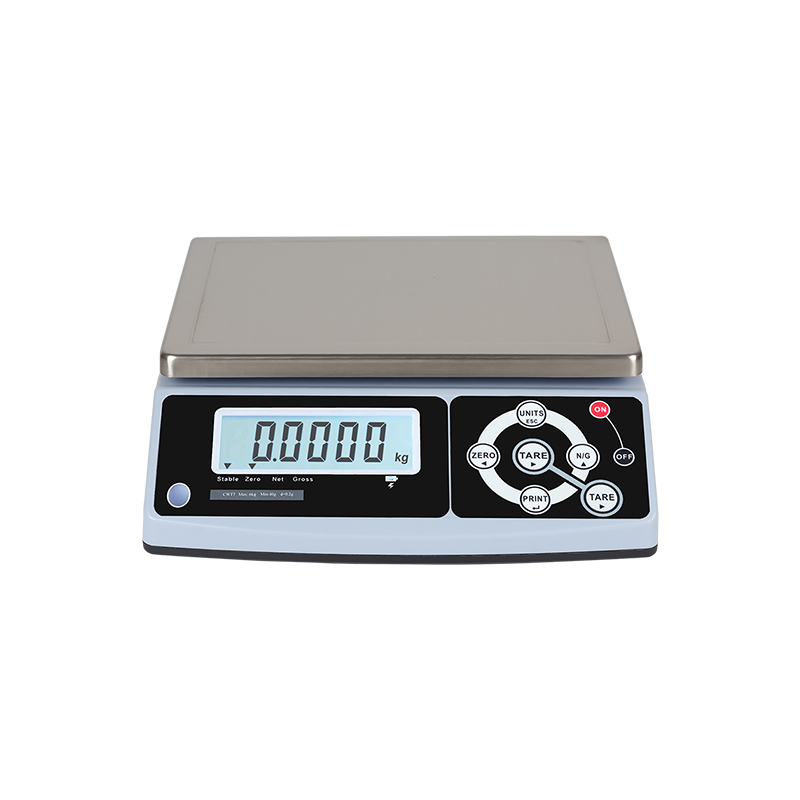
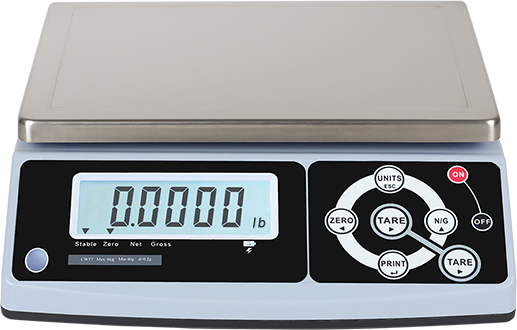
Scale changes units
Take Newton Force Electronic scale weighing units as an example: press the 【UNITS】 key to toggle among kg, g and lb.
Some scales are factory-locked to a fixed weighing unit. Below is the setup guide to reconfigure the unit.
Take Newton Force CWT7 weighing scale as an example: To modify the display parameter of the scale, enter its internal parameter setting menu.
Hold down the 【ZERO】 key during power-on. Keep holding until the countdown finishes to access the LOCK setting menu.
Use left/right keys to select [LF2] Spec Calibration.
Press 【
 】 to confirm and enter. Values will be shown; select the corresponding value as required.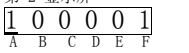
Each value corresponds to a specific weighing unit and specification. Refer to the parameter table below.
weighing units to g / Electronic scale changes kg/scale changes weighing units to kg
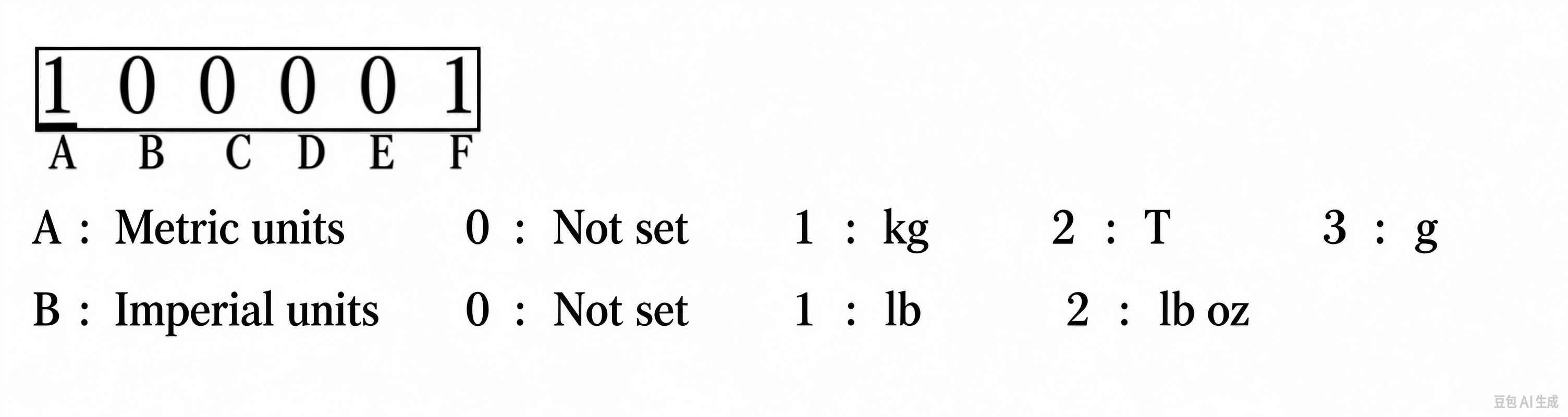
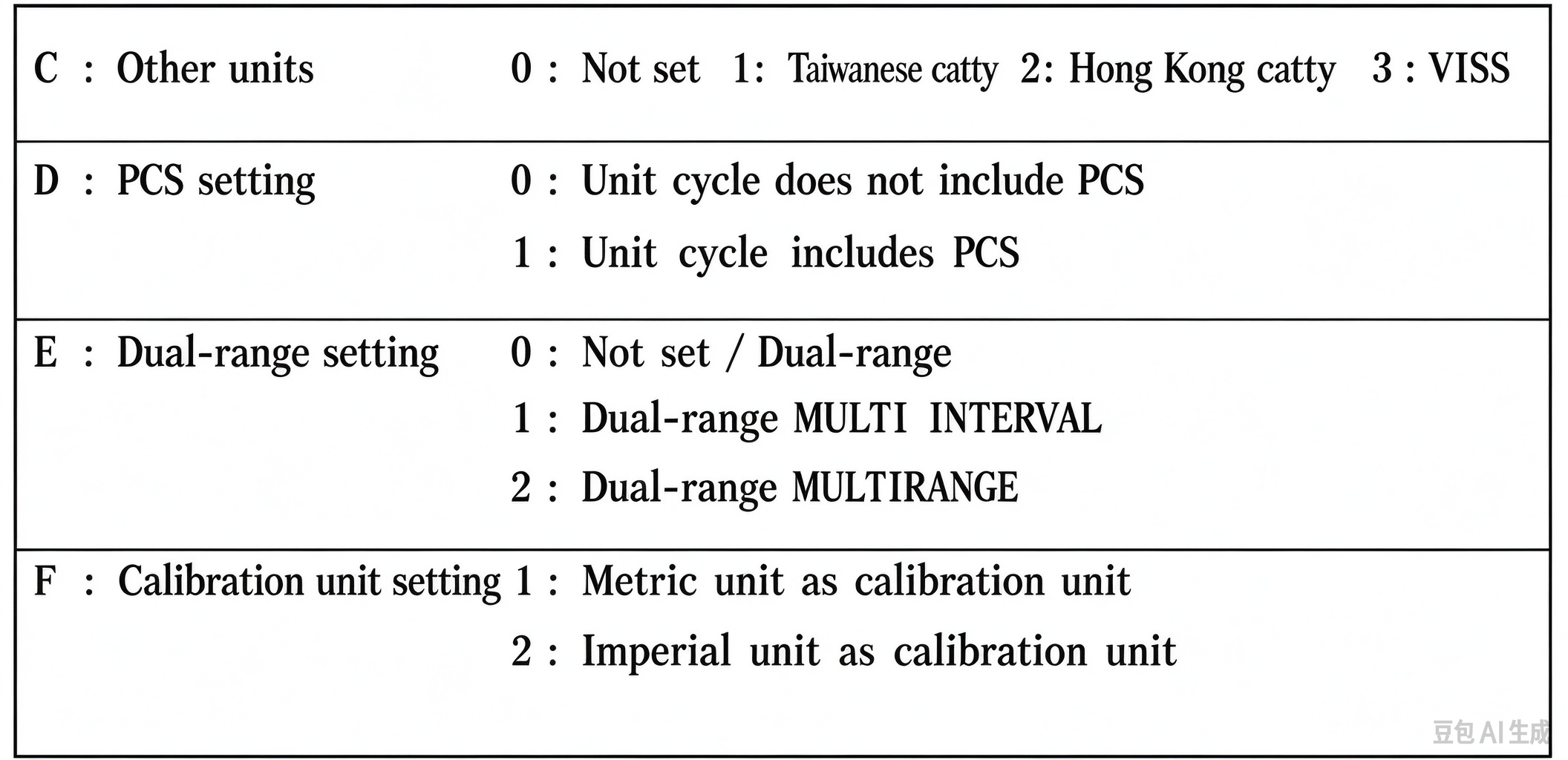
Press 【 】 to save the change and confirm the setting. Press 【ESC】 to return to the weighing interface.
If you still have trouble with the operation, please contact our sales team. We are glad to assist you.